Missed signals cost real money, so we built a relay that doesn't lose them
Your TradingView Alerts.Executed on MT5 in Milliseconds.
PineHook takes your TradingView webhook alerts and automates their execution on MetaTrader 5 in milliseconds. No broker credentials required, and every delivery confirmed by your EA.
No credit card required. PIPEDA & GDPR compliant
TradingView
Alert fired
PineHook EA
Validated
MetaTrader 5
Broker executed
Dashboard
Confirmed
No Broker Login
Built-in Privacy
Encrypted
TLS end-to-end
99.9% Uptime
Redundant servers
24/7 Support
Instant responses
Watch: TradingView to MT5 setup in minutes
This video uses an AI avatar.We chose AI avatars so we can explain PineHook clearly in multiple languages and reach as many traders as possible. We're starting with English, French, and Spanish.
Signal logs, analytics, and open positions in one dashboard
Click through the screens you'll be working in every day.
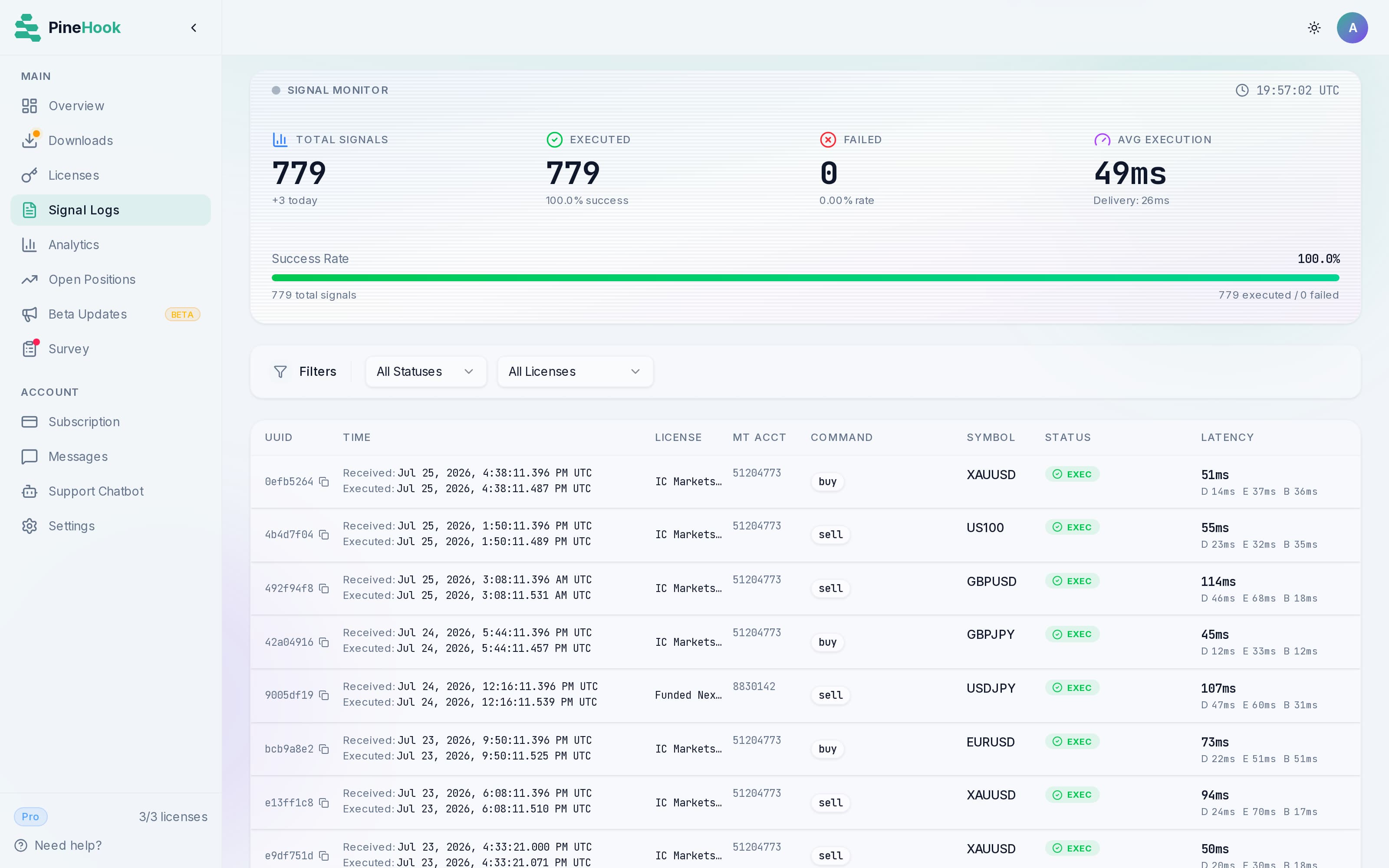
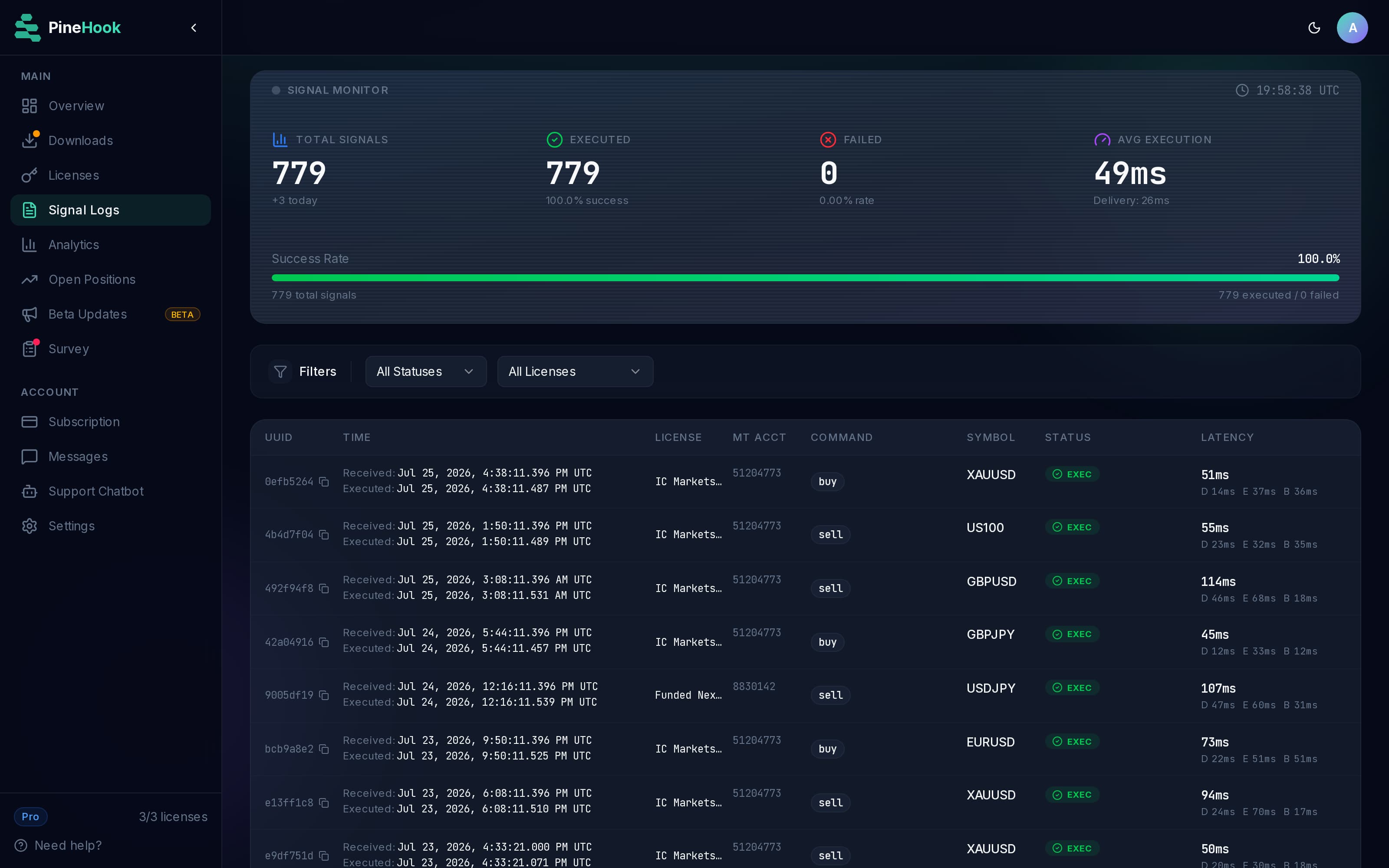
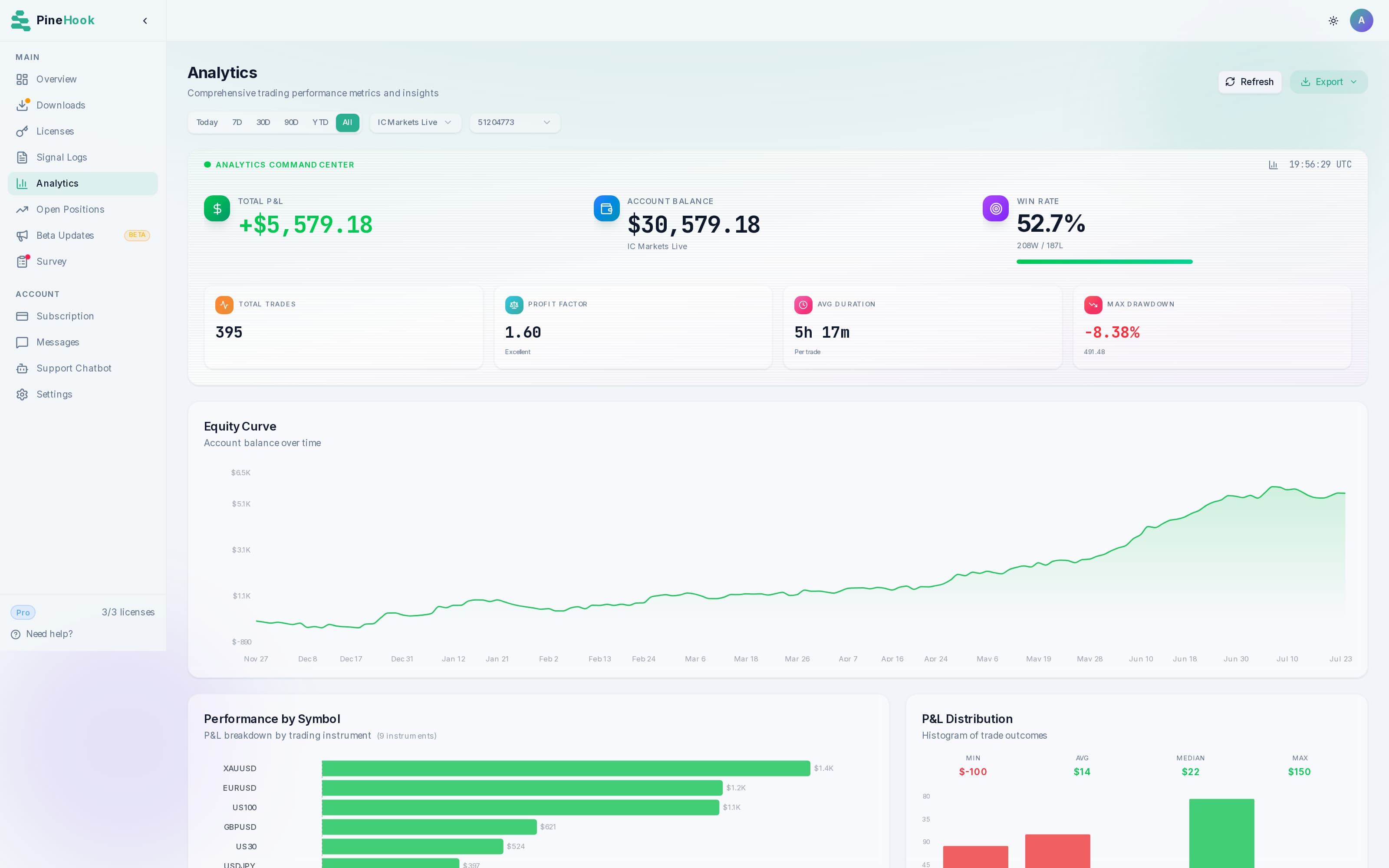
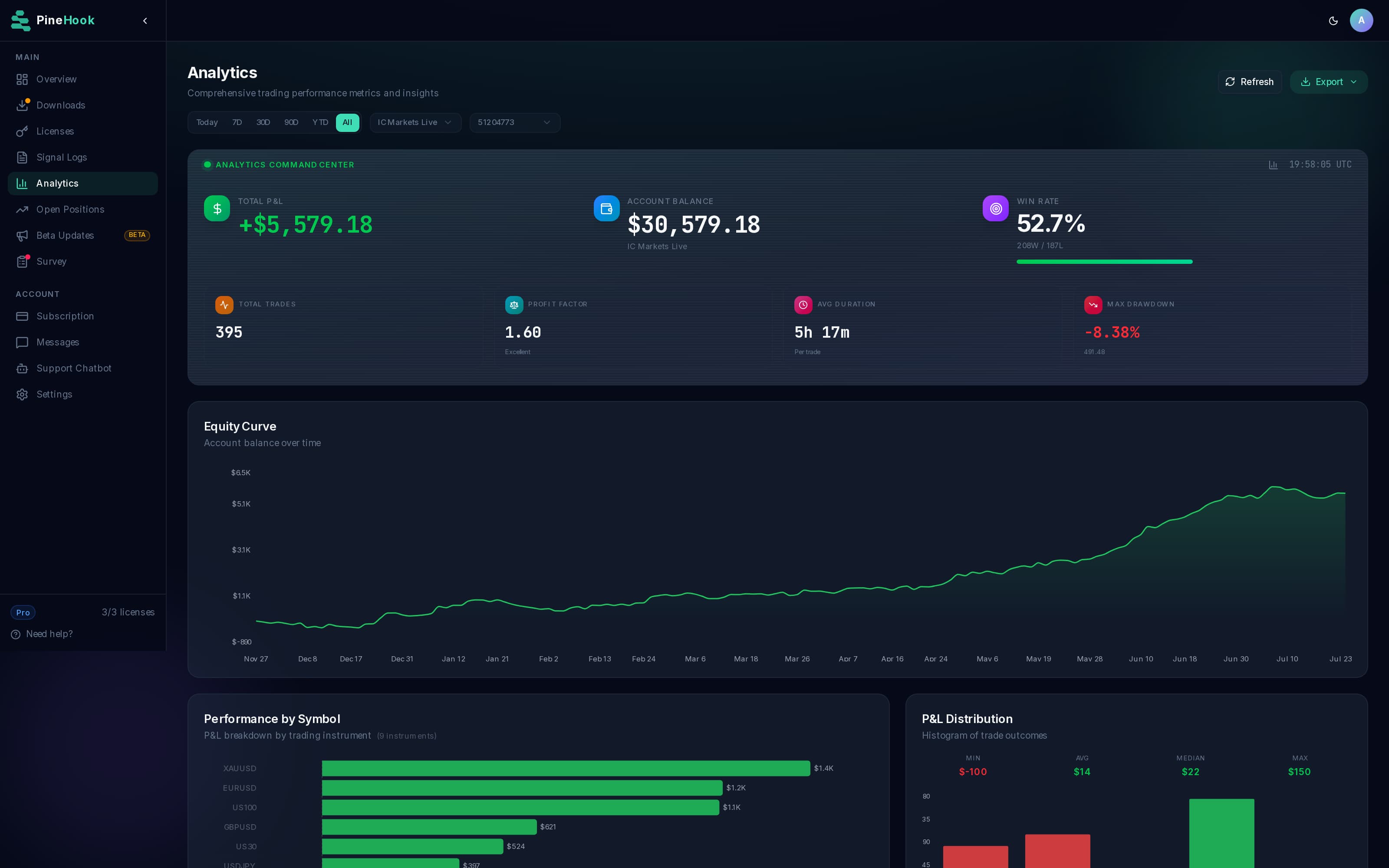
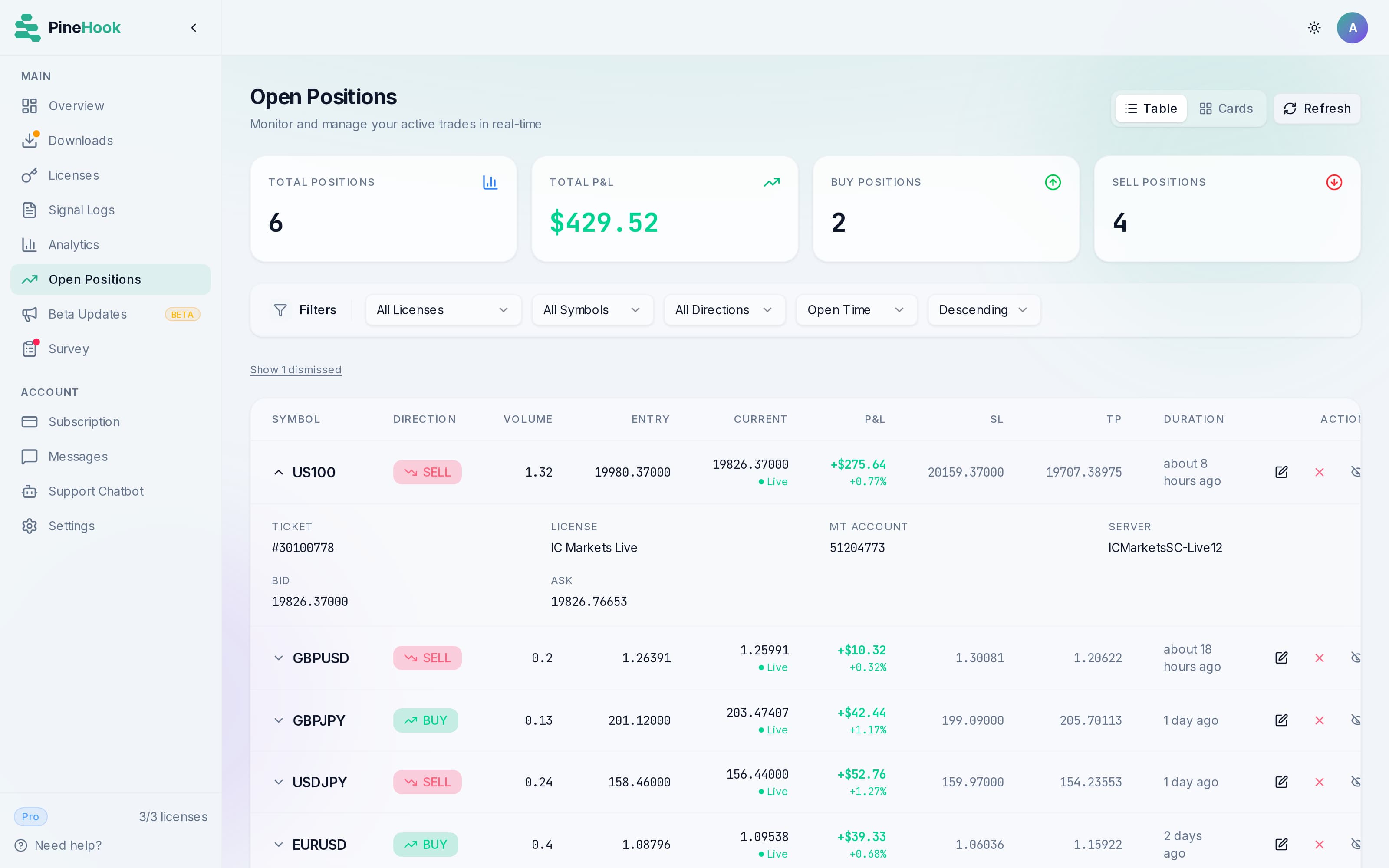
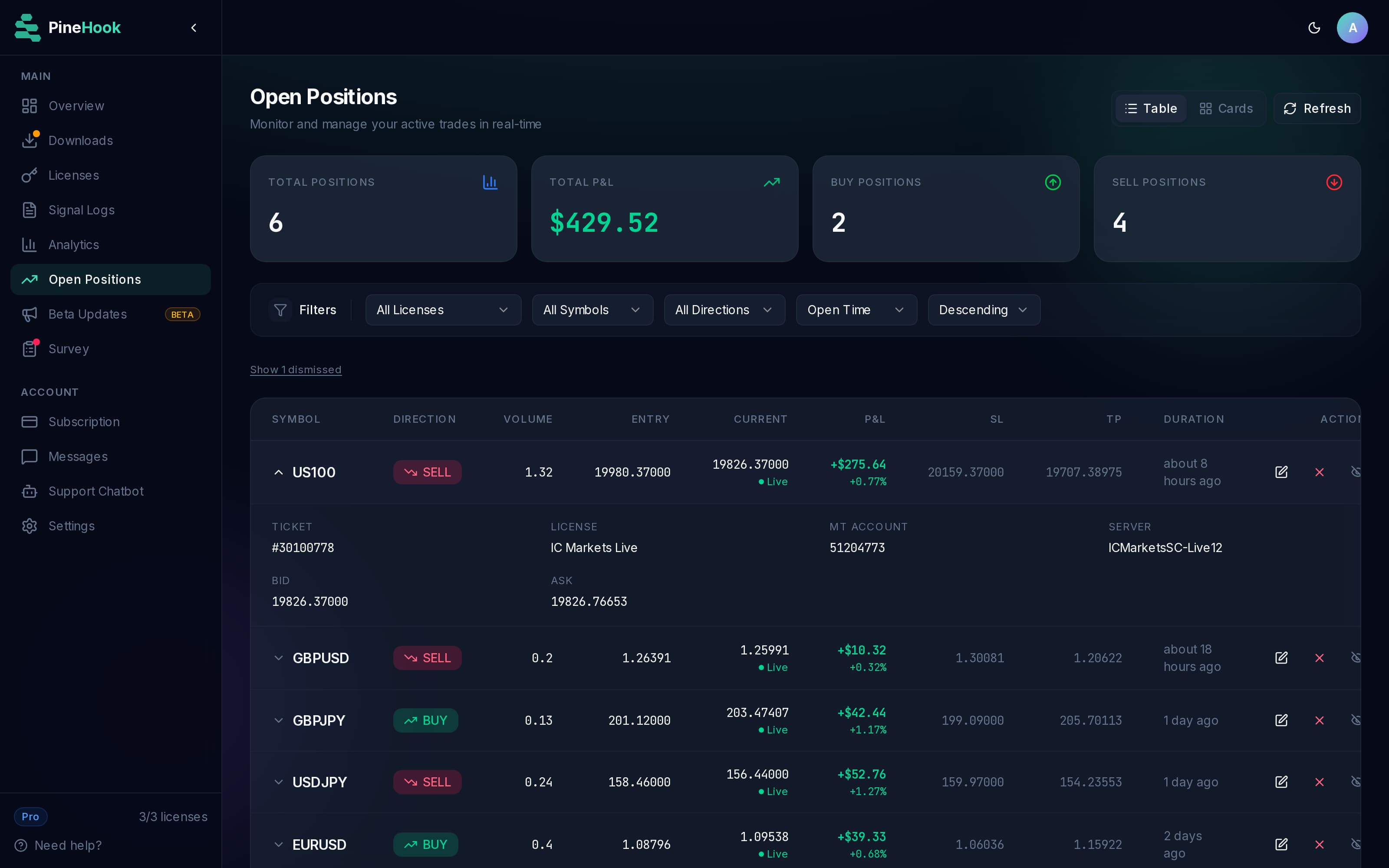
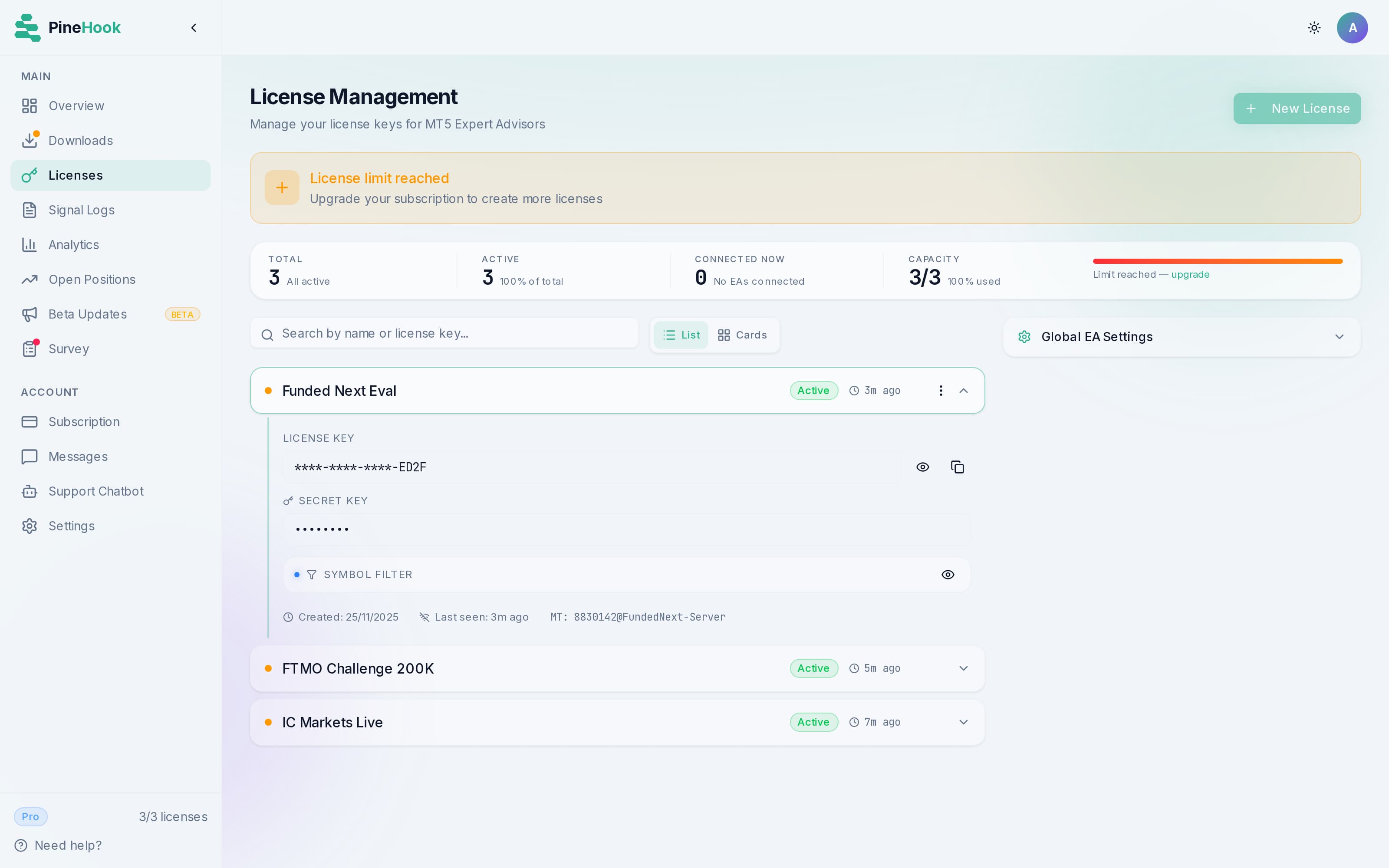
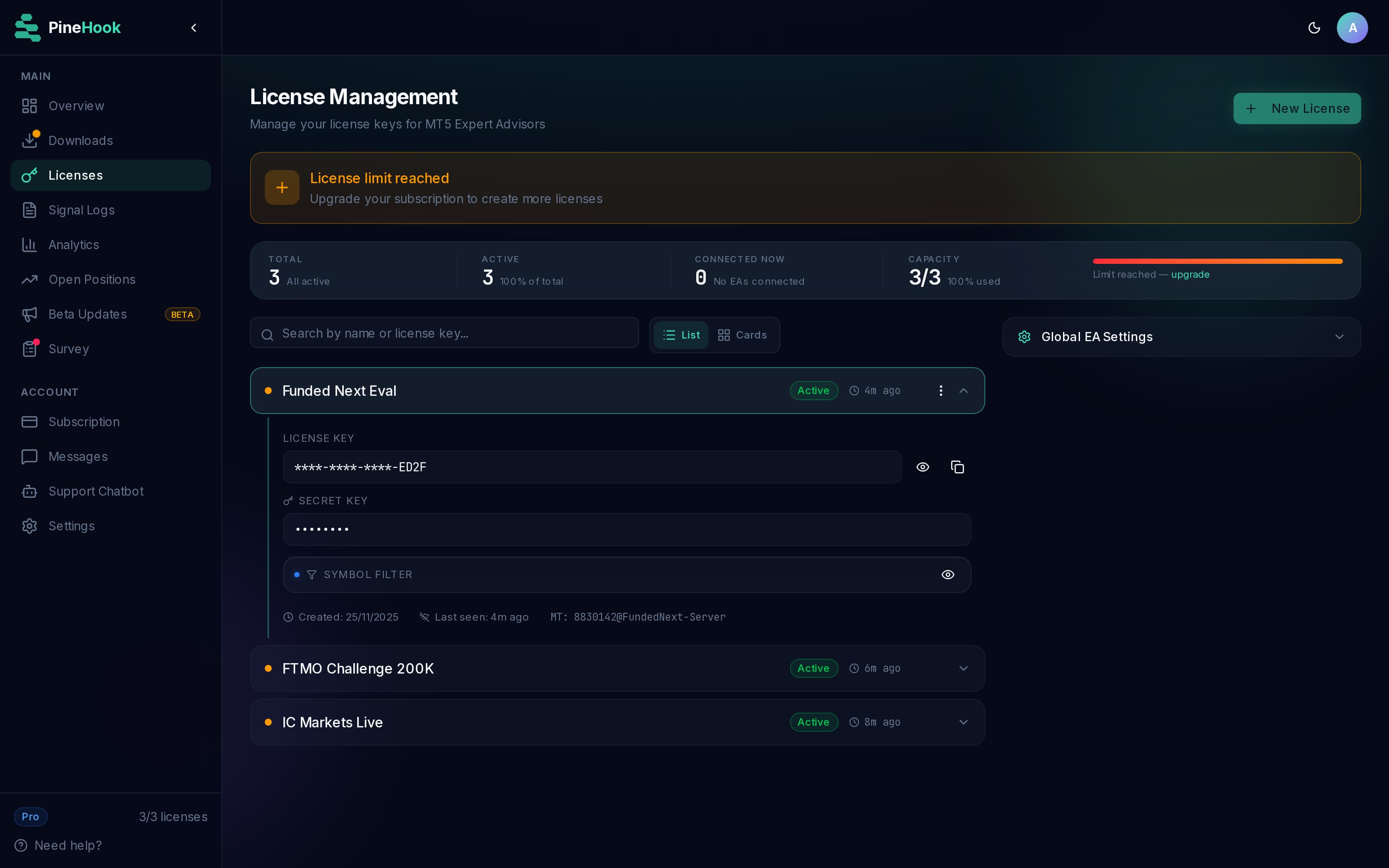
Every signal logged with its full latency breakdown. Delivery, execution, and broker fill stay separate, which shows exactly where the time went. Reading the signal log.
Built for fast, reliable TradingView to MT5 execution
Fast execution, delivery that survives dropped connections, and a full log of every signal, so a flaky VPS or a Wi-Fi drop never turns into a missed trade.
Signals land in milliseconds
Most signals are delivered in under 100ms, measured from the moment TradingView's alert reaches us to the moment your EA has it. Every signal carries its own timing breakdown, and we publish the real fleet-wide numbers from the last 7 days on our public status page, updated daily. Other services ask you to take their word for it. How we measure it.
Built for prop firm rules
You decide the guardrails: daily drawdown limits, trading hours, spread caps, position limits, all optional. The EA enforces whatever you set, on your own terminal, before a runaway session breaks your funded account's rules. Trade management rides along: multiple take profits, trailing stops, breakeven automation, and partial closes, all driven from the alert message itself. It works with FTMO, FundedNext, The5ers, and any MT5 prop firm. See how the guardrails work or the command reference.
A full log of every signal
Every signal is recorded with its status and precise latency, with delivery, execution, and broker fill kept separate. Every delivery is acknowledged back by your EA, so the log shows confirmed executions, not hopeful sends. When something looks wrong you can see exactly what happened and when. Reading the signal log.
Delivery that survives a disconnect
A VPS reboot, a Windows update, or a Wi-Fi blip at the wrong moment is how most traders miss TradingView signals. If your EA, VPS, or MT5 terminal drops, you lose nothing, because our servers stay up, store every signal, and deliver the queue the moment your setup reconnects. You choose how missed signals are handled on reconnect, with an expiry window so nothing stale ever fires. Recovery modes and expiry.
Free During Beta
We're in beta to ensure system stability and collect user feedback. Sign up now and get the Pro plan free, no credit card required.
Pro
For serious traders who want to scale.
Free for the entire beta period, then $47.99/mo for your first 12 months
Free for the entire beta period, then $35.99/mo (billed $431.93/year) for your first year
- 3 licenses
- Run up to 5 strategies per symbol on each licenseLearn more
- Effectively unlimited signals under a generous anti-spam capLearn more
- Access to ALL featuresLearn more
- Advanced Analytics
- Advanced dashboard functionsLearn more
- Manage open positions via web dashboard
- Signal authenticationLearn more
- Secret Key AuthenticationLearn more
- Personalized supportLearn more
Beta testers receive a 20% discount for 12 months after beta ends.
Frequently Asked Questions
Everything you need to know about PineHook.
Our average processing and delivery latency is under 100ms for most signals, measured from the moment our server receives the webhook from TradingView to the moment your EA gets the signal. We publish the real numbers from the last 7 days on our public status page, updated daily. TradingView controls how quickly it fires the webhook on their end, which is outside our system, but once the signal hits us it moves fast. Actual trade execution speed also depends on your broker's infrastructure.
PineHook works with any broker or prop firm that runs on MetaTrader 5. That includes FTMO, The5ers, Funded Next, E8 Funding, Alpha Capital, Blue Guardian, and any standard MT5 broker. Our EA installs directly on your MT5 terminal like any other Expert Advisor, with no special configuration needed for prop firm accounts. If your platform runs MT5, PineHook works with it. See the full compatibility list.
Yes. Sign up during the beta and you get the Pro plan free for the whole beta period, no credit card required. Beta access is not feature-gated, with two exceptions: delayed signals are reserved for paid plans, and beta accounts run with fair-use rate caps. You get three licenses, the complete dashboard, and every other feature, on live or demo accounts. When the beta ends you can subscribe and your licenses carry over automatically. Join the free beta.
Your license key identifies where signals should be routed and must be included in your webhook message. For added protection, you can enable two extra layers: (1) A secret key that your EA requires to connect. It never appears in webhooks, so even if someone sees your license ID they can't hijack your connection. (2) Signal authentication, a separate password included directly in the webhook message itself. If someone tries to send signals to your license ID without this password, they get rejected. Both are optional but recommended. All communication is encrypted via TLS. Learn more about our security features.
No. PineHook never asks for your broker username, password, or MT5 account credentials. Our Expert Advisor runs on your own MT5 terminal, and trades execute locally under your control. We only relay the signal. Trade copiers that log into your MT5 account from their own servers put your credentials at risk if their platform is breached. With PineHook there are no credentials to hand over, so there is nothing to leak.
Still have questions? Contact our support team
Ready to Automate Your TradingView Trading?
Set up your first automated trade in under 10 minutes. Free for the whole beta, on a live or demo account.