Run more accounts while maintaining a single strategy.
Adding an account should not mean rebuilding every TradingView alert. Create a copier, select your destination accounts, and use its Copier ID in your alert. When the alert fires, PineHook sends the instructions to each selected account with its own sizing and settings.
Your TradingView alert is the source. You do not need a master trading account.
Looking to mirror trades placed by hand? Trade Copier distributes alerts; it does not watch a master account.
Connect your accounts, then confirm the setup with one test alert.
Connect your trading accounts.
For MT5, attach the PineHook EA to a terminal you keep running, with your broker login staying in MT5. For cTrader, authorize your account from the dashboard, with no EA installation or always-on computer needed.
Create your copier.
Select destinations and multipliers. Check symbol mapping and account controls.
Use the Copier ID in TradingView.
Replace the license key in your alert and use the PineHook webhook URL. TradingView webhook access is required.
Verify the results.
Start with demo accounts. Check each destination's size, stops, and outcome before using funded accounts.
Set the size for each account.
Your smaller evaluation does not have to take the same size as your larger funded account. Give each destination its own multiplier while keeping one set of TradingView alerts.
- Multipliers change the requested size. Stop and target distances stay the same.
- Each account can also map broker symbols and convert TradingView quantities into lots.
- Broker volume rules and configured limits still apply.
Copy the strategy while each account keeps its own controls.
A new evaluation and a funded account can follow the same strategy with different limits. Each account checks the alert against its own settings.
- Drawdown controls
- Set the loss limit for each account.
- Trading hours
- Choose when each account can open trades.
- Spread limits
- Reject new entries when the spread exceeds your ceiling.
- Position caps
- Limit exposure by symbol and strategy.
If one account blocks an alert, the others are evaluated separately. Check each account's result in your logs.
Your firm must permit copying and automation for the accounts and strategy you use. PineHook applies the supported controls you configure; it does not enforce every firm's rulebook.
Explore prop firm account controlsIllustrative settings. Choose limits for your own account.
See what is happening across your accounts.
Review balances, equity, open positions, and connection status together. Adjust or close a position from the dashboard when you need to step in.
Try the copier with sample accounts below. No account connection is required.
Interactive demo with sample data. All actions are simulated.
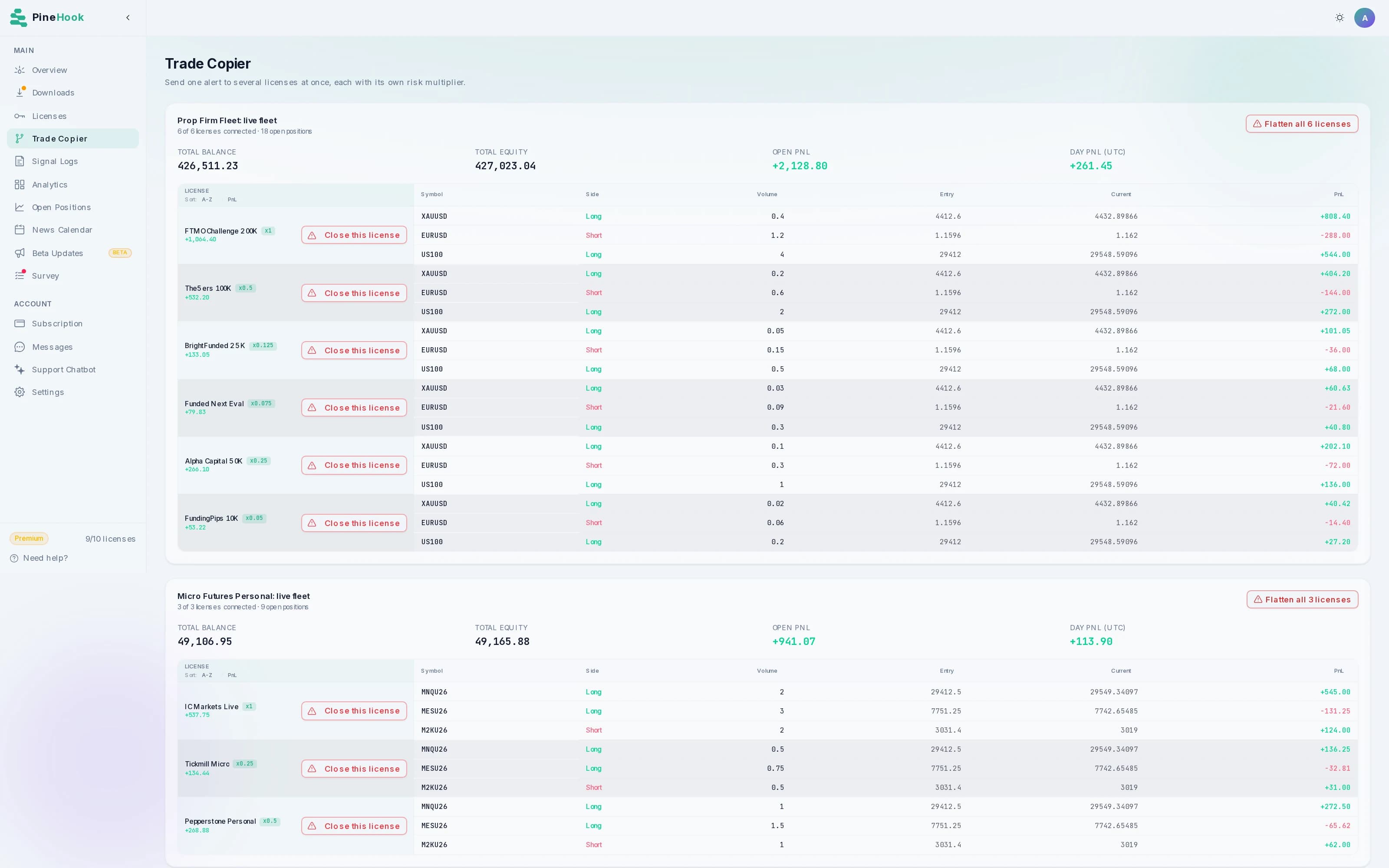
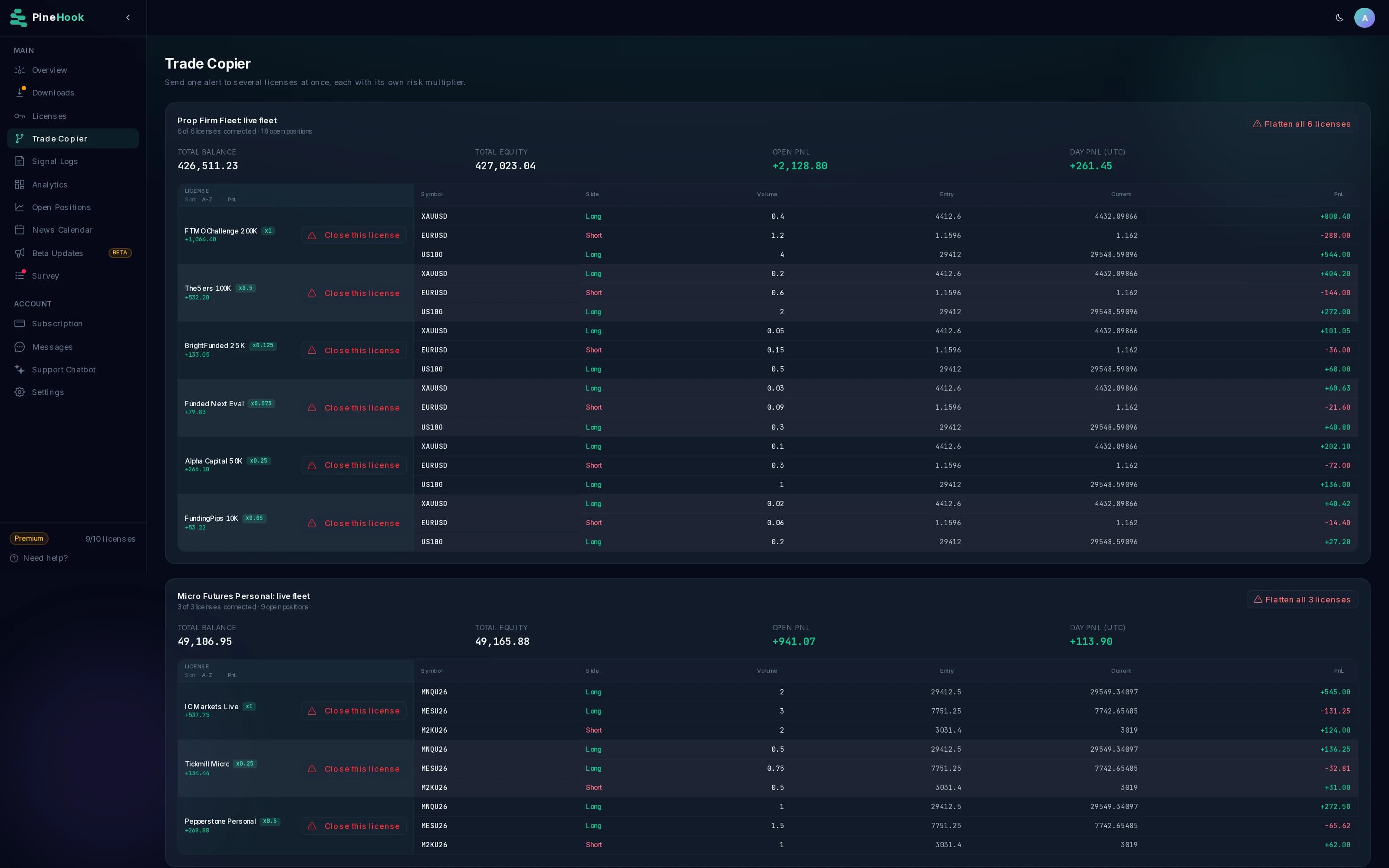
Organize strategies into named copiers. Pause a destination without deleting its setup.
Pausing skips subsequent copied commands, including closes. Existing positions stay open. Manage them directly before relying on a pause.
Entries, exits, and adjustments follow the same route.
Send each command to the Copier ID. PineHook distributes it to selected, unpaused destinations, using the settings and limits for each account.
Percentage closes let each account close the same share of its own position. A manual change in one broker account is not automatically copied to the others.
See supported copier commandsTrade Copier is included with Pro and above.
Choose the account capacity you need. Copying, individual account controls, and position management come together in PineHook.
Pro
3 account licenses
$59.99 USD / monthPlanned after beta. Subject to change.
Premium
10 account licenses
$129.99 USD / monthPlanned after beta. Subject to change.
Pro access is free during beta. Each incoming copied alert counts once toward your alert allowance. A copier does not use a license slot.
Need more accounts? Ask about a custom plan. A single copier supports up to 25 destinations within your plan allowance.
Questions before you connect
What is a TradingView trade copier?
It distributes a TradingView alert to multiple trading accounts. PineHook uses a Copier ID to send the same instructions to your selected MT5 and cTrader accounts, with separate sizing and account settings.
Can I copy trades I place manually?
Trade Copier distributes incoming alerts. It does not monitor a master broker account or mirror trades and changes made manually on that account.
Can I copy across different brokers?
You can include your MT5 and cTrader licenses in one copier. Configure each account's symbols, volume settings, and controls, and check that your brokers and firms permit the setup. Execution prices and results can differ between accounts.
Can each account use a different lot size or risk percentage?
Yes. Each destination has a multiplier. It scales fixed lots and supported risk-based sizing instructions. Stops and targets are not moved by the multiplier, and broker volume requirements still apply.
Do prop firms allow trade copiers?
Policies differ by firm, account type, and platform. Check whether your firm permits your automation method and copying between the accounts you own. Technical compatibility does not establish permission.
What happens when I pause an account?
The copier skips subsequent alerts for that destination, including close and modification commands. Its existing positions remain open. Commands already sent are not recalled by pausing.
Do I need to keep my computer running?
MT5 needs the PineHook EA and terminal to remain connected. You can run the terminal on your own computer or a suitable VPS. The cTrader connection runs through PineHook and does not require your browser or personal computer to stay open.
Will every account receive the same fill?
No. Each account executes separately. Broker prices, available volume, connection state, and account controls can lead to different outcomes. Use the logs to review each destination.
How many accounts can I copy to?
Your plan determines the account-license allowance. Trade Copier is included with Pro, Premium, and eligible custom plans. A single copier supports up to 25 destinations within your plan allowance. Creating a copier does not consume an account-license slot.
Put your next TradingView alert to work across your accounts.
Choose the destinations, set the size for each, and check your first copied alert in PineHook.
Free Pro access during beta with 3 account licenses. No credit card required.